The best tools for freelancers in 2026 are ChatGPT, Canva AI, Superhuman, Firecrawl, Durable. They are not interchangeable: each one solves a different part of the workflow, so the right choice depends on the job you need finished first.
This guide treats the tools as a shortlist, not a ranking where one product replaces all the others. If you are choosing quickly, decide whether your pain is creation, editing, automation, research, or delivery, then test the matching tool with one real task.
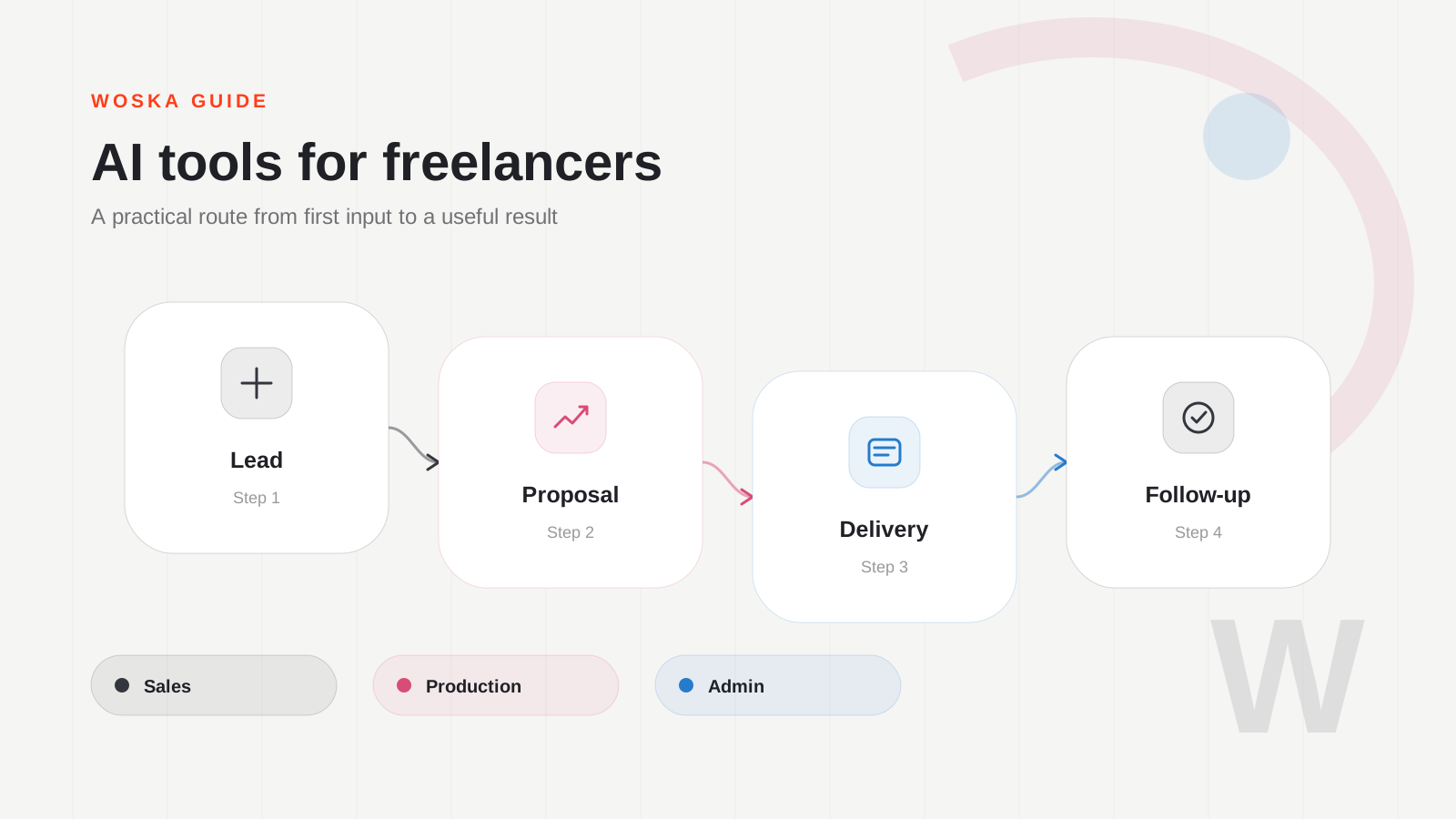
The shortlist
ChatGPT
ChatGPT is the flexible daily assistant: proposals, client emails, scope notes, research summaries, and first drafts all fit naturally.
Canva AI
Canva AI helps freelancers turn ideas into assets without opening a professional design stack for every small client request.
Superhuman
Superhuman is useful when inbox speed affects revenue. Freelancers often lose time in follow-ups, scheduling, and client communication.
Firecrawl
Firecrawl helps when research requires pulling information from websites and turning it into structured material for analysis or deliverables.
Durable
Durable is practical for fast client websites, landing pages, and small business projects where speed matters more than custom engineering.
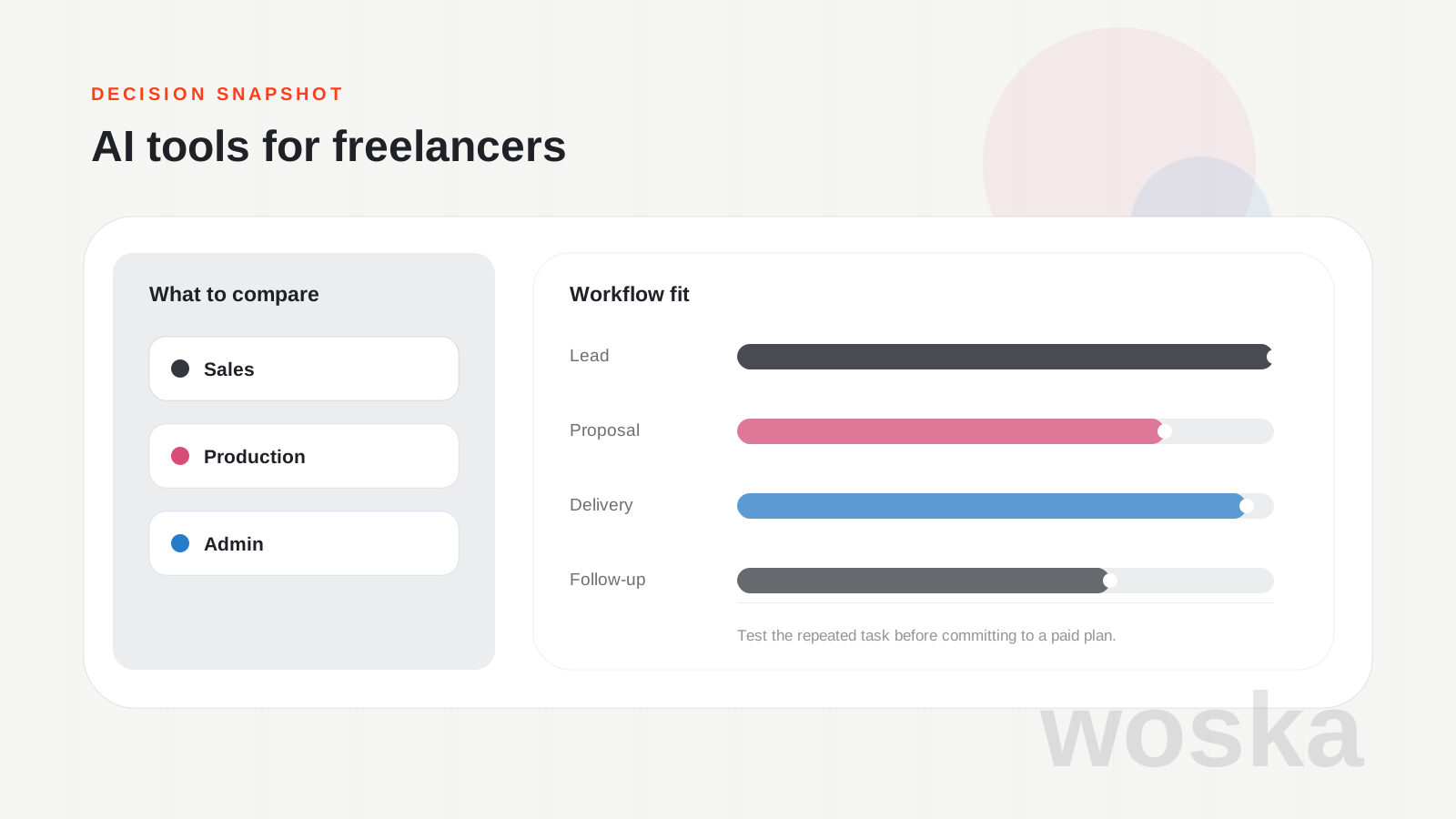
Quick comparison
| Tool | Starting price | Core job | Best fit |
|---|---|---|---|
| ChatGPT | Freemium | general AI assistance | Writing and planning |
| Canva AI | Freemium | design production | Client visuals |
| Superhuman | From $30/mo | AI email workflows | Email speed |
| Firecrawl | Freemium | web data extraction | Web research |
| Durable | Custom | AI website building | Fast websites |
Which one should you use?
Start with ChatGPT for general leverage, then add Canva AI or Superhuman depending on whether your bottleneck is deliverables or communication.
The safest approach is to avoid testing every tool at once. Pick the one that matches today's workflow, run one realistic task, then add a second tool only if the first one fails on a clear requirement.
FAQ
Do I need all 5 tools? No. Most people should start with one. The value of this list is knowing which tool to test for each workflow, not building a bloated stack.
Are free plans enough for serious work? Sometimes. Free plans are good for testing output quality, but paid plans usually matter when you need exports, higher limits, team access, or commercial usage.
How should I compare results fairly? Use the same input, the same deadline, and the same success criteria. The winner is the tool that needs the least manual fixing after the first useful output.
Related guides
*Ratings and pricing reviewed monthly. Last updated June 2026.*