The best tools for coding beginners in 2026 are Cursor, GitHub Copilot, v0.dev, Bolt.new, Replit Agent. They are not interchangeable: each one solves a different part of the workflow, so the right choice depends on the job you need finished first.
This guide treats the tools as a shortlist, not a ranking where one product replaces all the others. If you are choosing quickly, decide whether your pain is creation, editing, automation, research, or delivery, then test the matching tool with one real task.
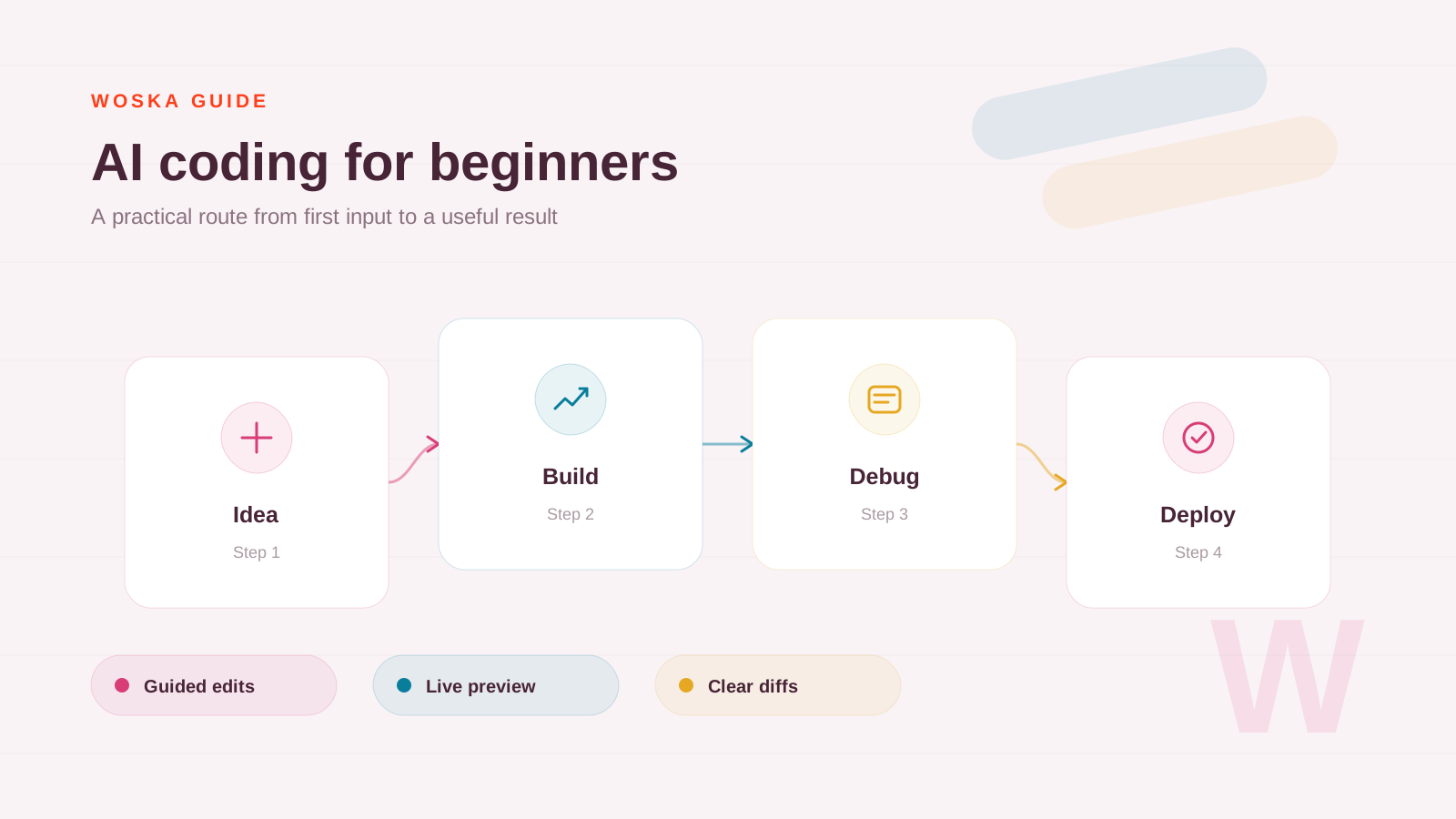
The shortlist
Cursor
Cursor is best when a beginner wants to learn inside a real codebase. The value is not only code generation; it is being able to ask why files work together and request targeted edits.
GitHub Copilot
GitHub Copilot is useful for learners who already use VS Code or JetBrains. It helps with autocomplete, small explanations, and staying inside a familiar editor.
v0.dev
v0.dev is the easiest way to see UI ideas become React components. It is helpful before a beginner understands every detail of styling, layout, and component structure.
Bolt.new
Bolt.new is good for turning an app idea into a working browser prototype. It reduces setup friction, which is often where beginners get stuck.
Replit Agent
Replit Agent is useful when the learner wants a cloud workspace that can run and deploy projects without local machine setup.
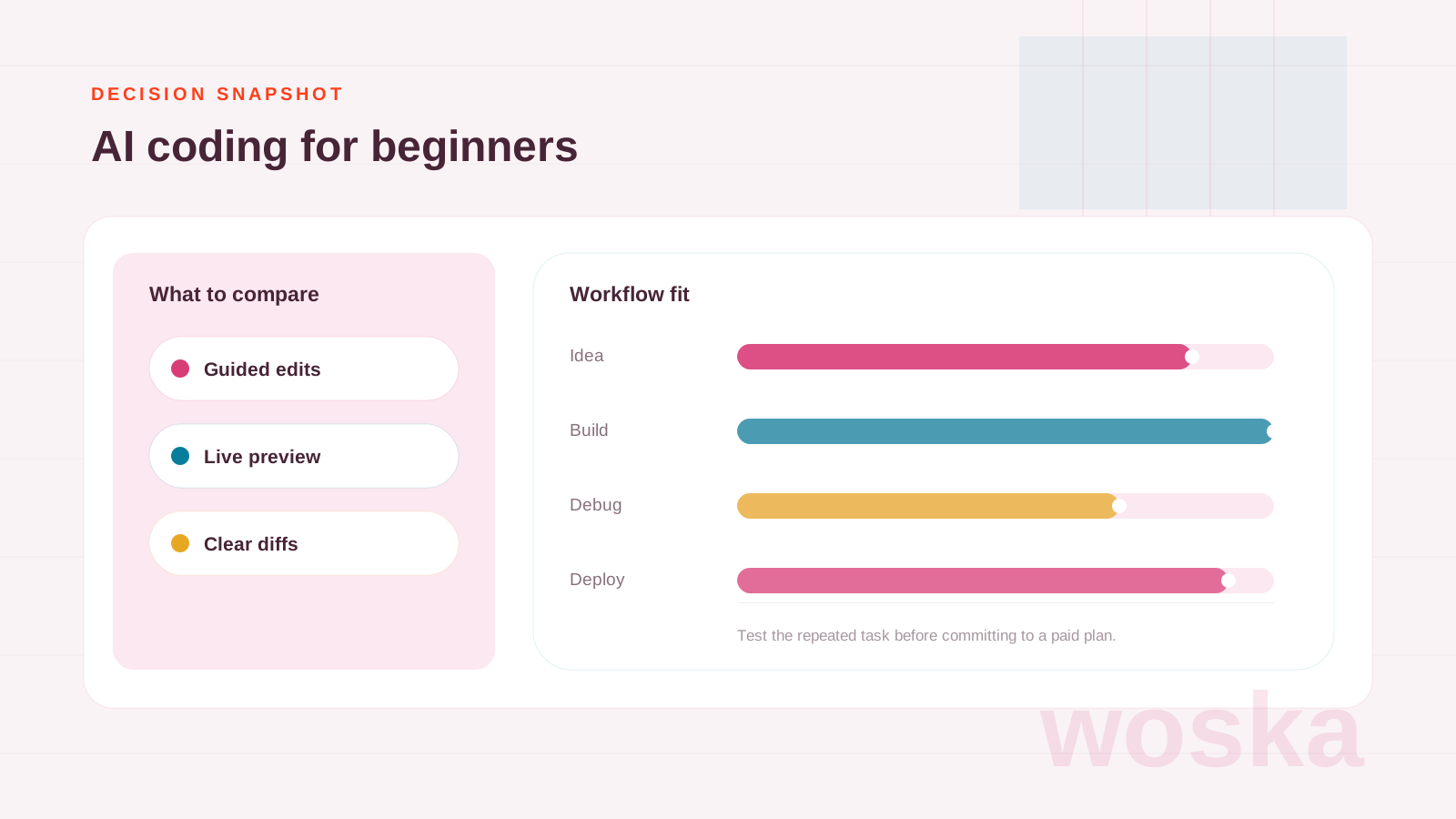
Quick comparison
| Tool | Starting price | Core job | Best fit |
|---|---|---|---|
| Cursor | From $20/mo | repo-aware code editing | Repo-aware learning |
| GitHub Copilot | From $10/mo | IDE-native code help | IDE-native help |
| v0.dev | Freemium | React UI drafts | UI component drafts |
| Bolt.new | Freemium | browser app building | Browser app prototypes |
| Replit Agent | From $25/mo | cloud development | Cloud development |
Which one should you use?
Use Cursor if you want to understand and edit real projects, v0.dev or Bolt.new if you learn visually, and Replit Agent if setup is the blocker.
The safest approach is to avoid testing every tool at once. Pick the one that matches today's workflow, run one realistic task, then add a second tool only if the first one fails on a clear requirement.
FAQ
Do I need all 5 tools? No. Most people should start with one. The value of this list is knowing which tool to test for each workflow, not building a bloated stack.
Are free plans enough for serious work? Sometimes. Free plans are good for testing output quality, but paid plans usually matter when you need exports, higher limits, team access, or commercial usage.
How should I compare results fairly? Use the same input, the same deadline, and the same success criteria. The winner is the tool that needs the least manual fixing after the first useful output.
Related guides
*Ratings and pricing reviewed monthly. Last updated June 2026.*