The best tools for AI agents in 2026 are Claude Code, Gumloop, n8n. They are not interchangeable: each one solves a different part of the workflow, so the right choice depends on the job you need finished first.
This guide treats the tools as a shortlist, not a ranking where one product replaces all the others. If you are choosing quickly, decide whether your pain is creation, editing, automation, research, or delivery, then test the matching tool with one real task.
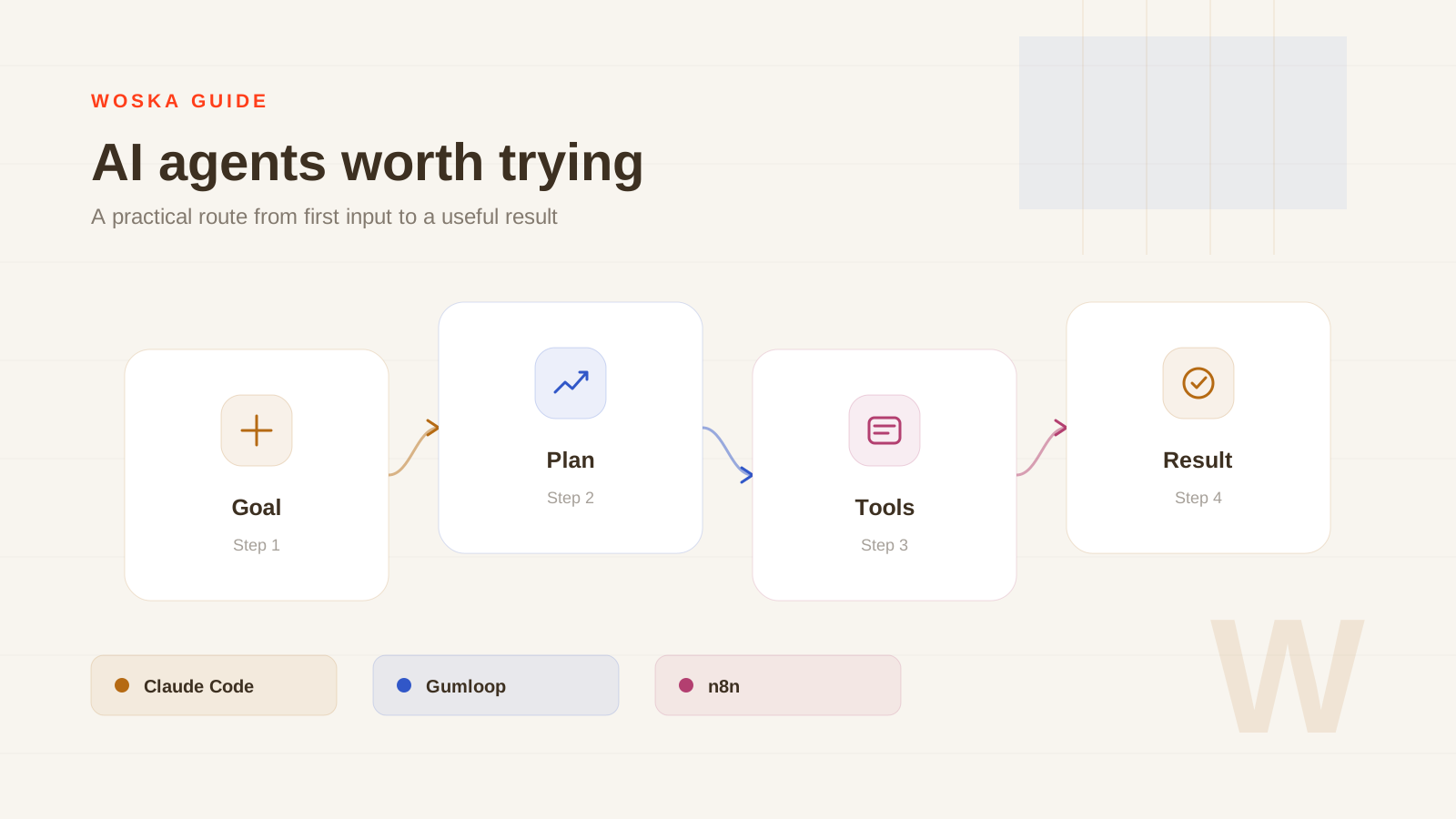
The shortlist
Claude Code
Claude Code is the agent to test if your work lives in a repository. It is built for code edits, terminal tasks, implementation loops, and developer workflows that need context.
Gumloop
Gumloop is better for no-code AI workflows: documents, browser actions, data steps, and repeatable operations that a non-engineer should be able to shape.
n8n
n8n is the control-first option. It is useful when you want workflows, AI steps, integrations, and self-hosting without handing the entire system to a black-box agent.
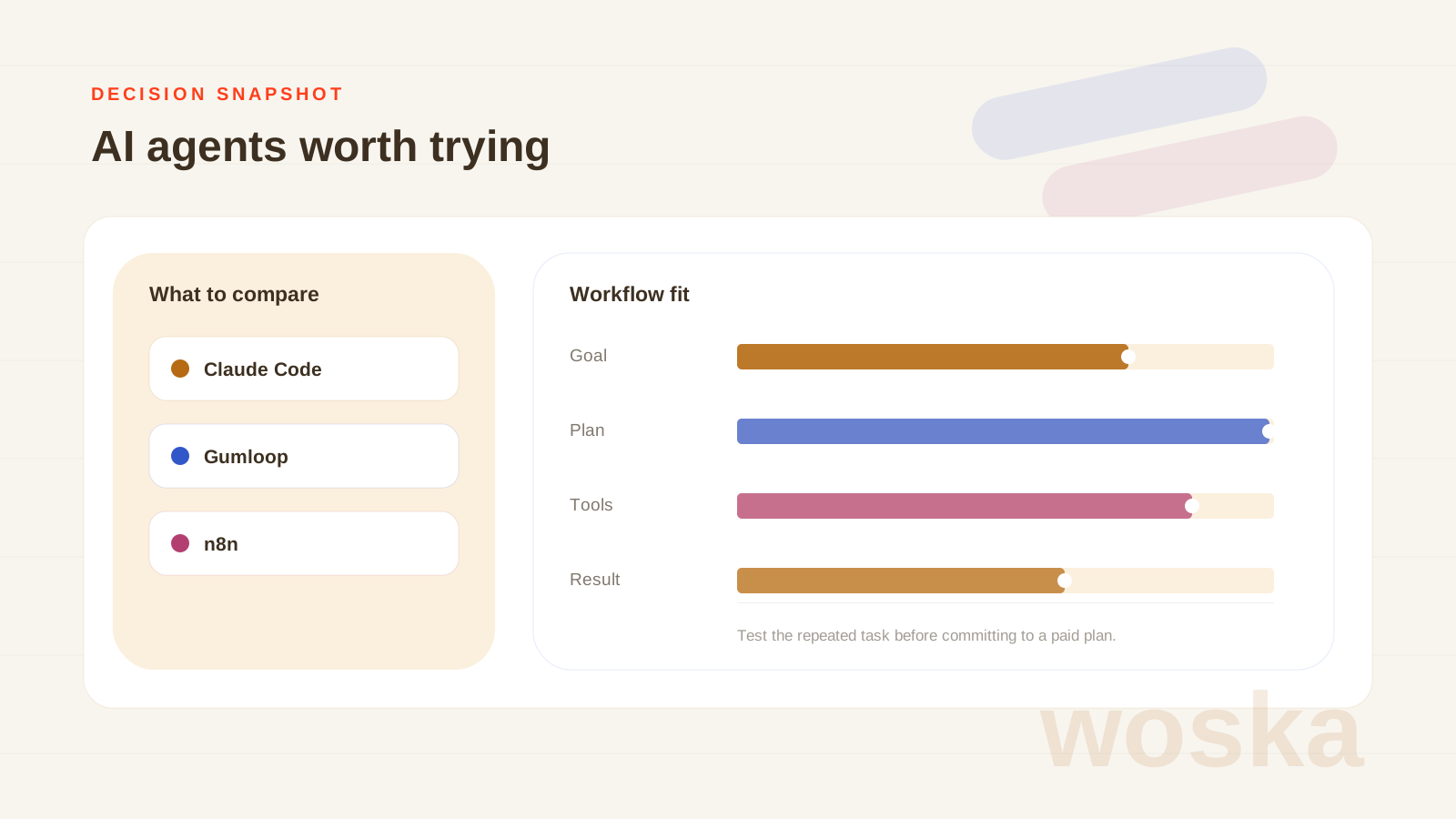
Quick comparison
| Tool | Starting price | Core job | Best fit |
|---|---|---|---|
| Claude Code | From $20/mo | terminal coding agent | Coding agent tasks |
| Gumloop | From $37/mo | no-code AI workflows | No-code AI workflows |
| n8n | Free | self-hosted automation | Self-hosted automation |
Which one should you use?
Use Claude Code for software tasks, Gumloop for business workflows without much code, and n8n when ownership and repeatability matter most.
The safest approach is to avoid testing every tool at once. Pick the one that matches today's workflow, run one realistic task, then add a second tool only if the first one fails on a clear requirement.
FAQ
Do I need all 3 tools? No. Most people should start with one. The value of this list is knowing which tool to test for each workflow, not building a bloated stack.
Are free plans enough for serious work? Sometimes. Free plans are good for testing output quality, but paid plans usually matter when you need exports, higher limits, team access, or commercial usage.
How should I compare results fairly? Use the same input, the same deadline, and the same success criteria. The winner is the tool that needs the least manual fixing after the first useful output.
Related guides
*Ratings and pricing reviewed monthly. Last updated June 2026.*