Remove.bg is the best first pick for background removal from photos in 2026 because it does one job cleanly: upload an image, remove the background, and export the result without a design-suite detour. Canva AI and Adobe Firefly are still worth comparing when your budget, workflow, or team setup points in a different direction.
The useful way to read this guide is not "which product has the longest feature list?" It is "which tool gets the job done with the least cleanup, setup, and second-guessing?" For background removal from photos, that distinction matters more than a feature grid.
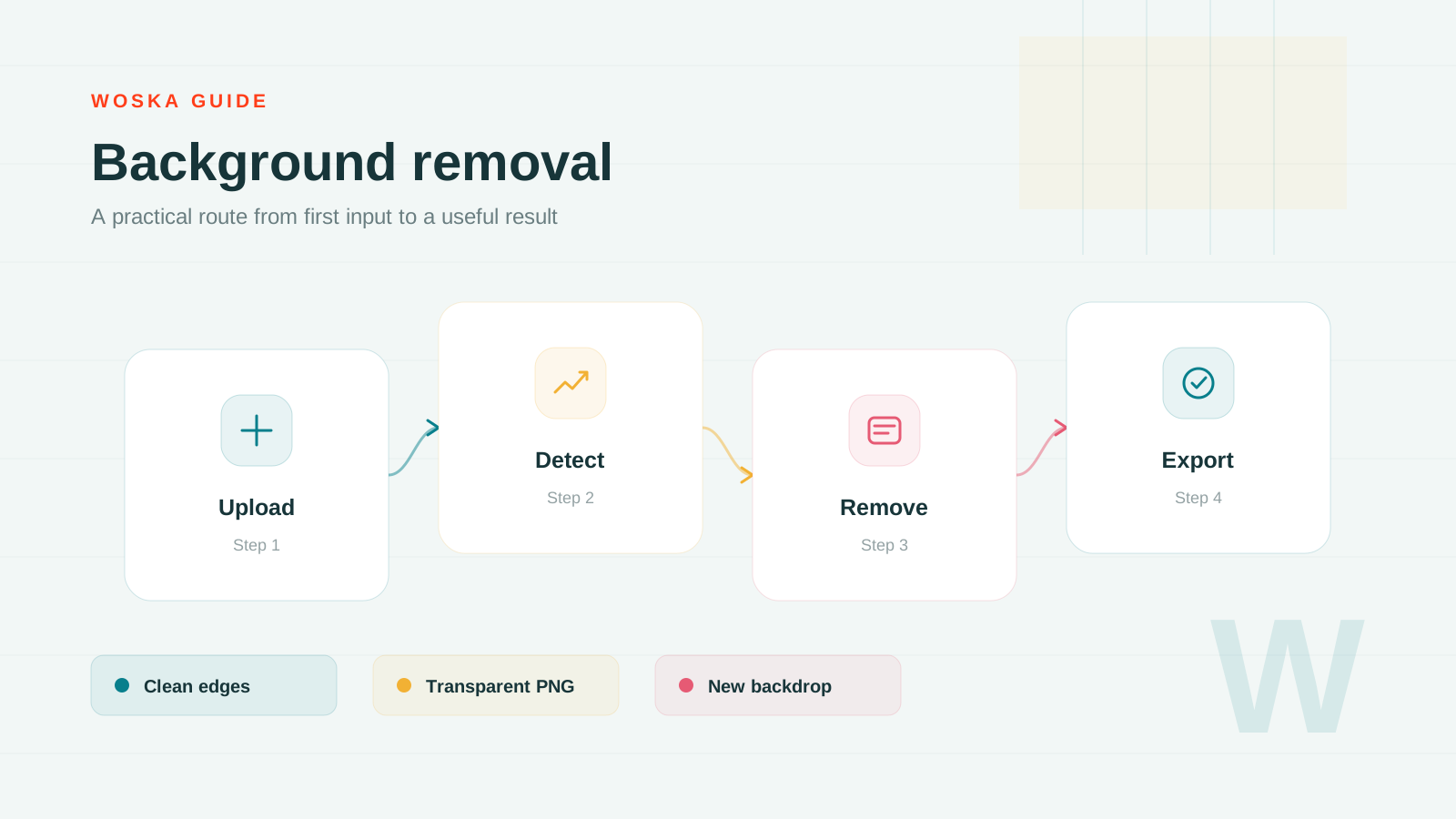
Why Remove.bg is the strongest starting point
Remove.bg wins because background removal is usually a speed task. Product photos, profile images, marketplace assets, thumbnails, and pitch deck visuals all need clean cutouts without forcing the user into a full editor.
Use Remove.bg when you want a tool that keeps the main workflow close together. It is not the only good option, but it is the one most people should test first because it makes the evaluation simple: run one real task, check the output, and decide whether the paid plan removes a real bottleneck.
Pricing: Freemium. Always confirm the live vendor page before buying because AI products often change credits, limits, and plan names.
When Canva AI is the better choice
Canva AI is stronger when the cutout is only the first step. If you need to place the subject into a social post, ad creative, presentation, or brand template, staying inside Canva saves handoff time.
Choose Canva AI when the surrounding workflow matters as much as the AI output itself. This usually means your team already has inputs, approvals, or reporting habits that a narrower tool would not cover cleanly.
When Adobe Firefly belongs on the shortlist
Adobe Firefly is better for designers who care about controlled edits and commercially safer creative workflows. It makes sense when background removal sits next to generative fill, style matching, or Adobe production work.
Adobe Firefly is the pragmatic comparison point: it may be cheaper, simpler, more familiar, or better suited to a supporting part of the workflow. If Remove.bg feels too heavy, this is the alternative to test before expanding the search.
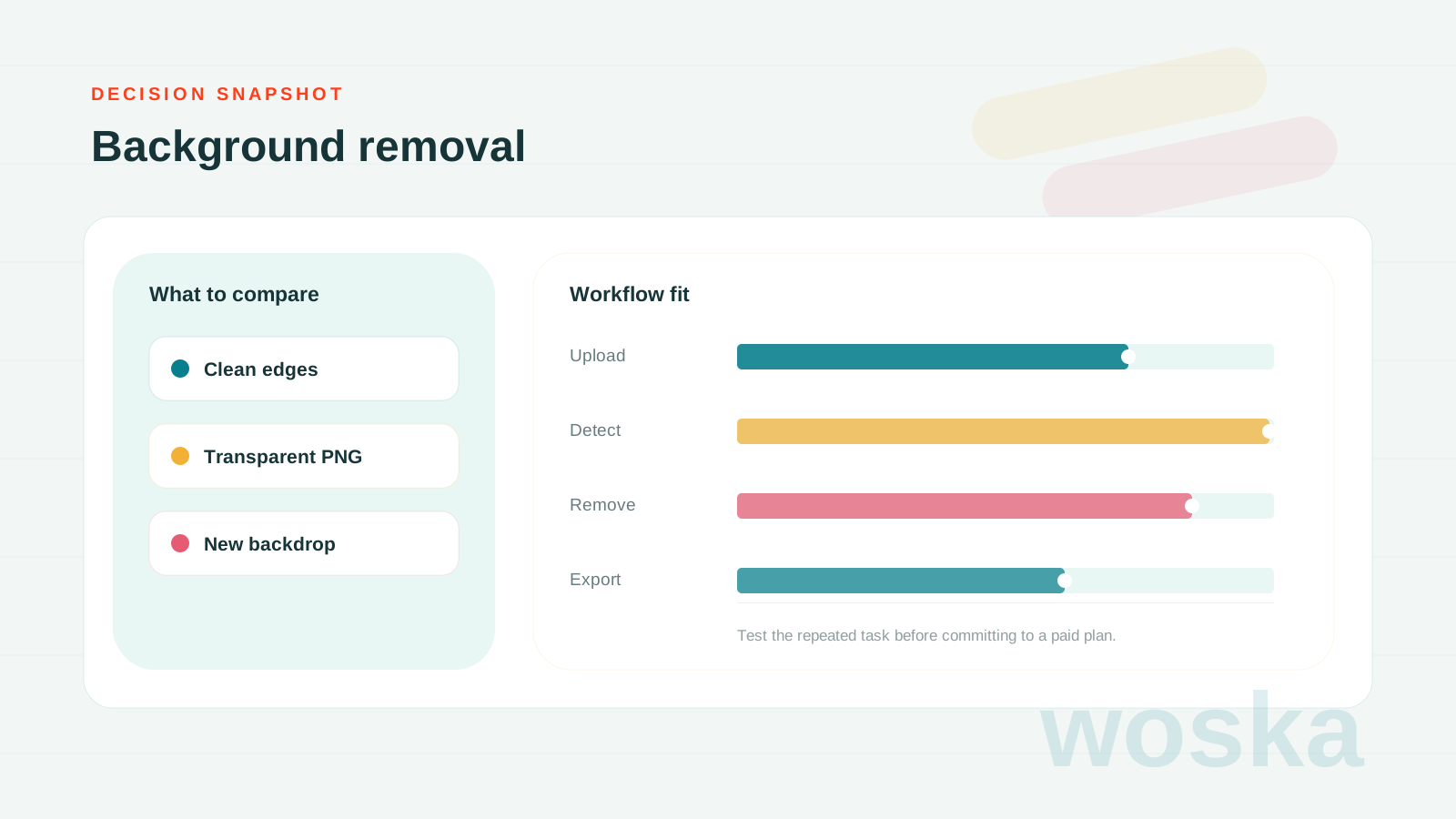
Quick comparison
| Tool | Starting price | Core job | Use it when |
|---|---|---|---|
| Remove.bg | Freemium | background removal | You just need a clean cutout |
| Canva AI | Freemium | design production | You need a finished design |
| Adobe Firefly | Freemium | commercial image generation | You work inside Adobe-style editing |
How to choose
Start with Remove.bg if you need the main job solved quickly. Move to Canva AI if your workflow depends on templates, layouts, and publishing. Choose Adobe Firefly if commercial design controls and editing quality are more important than speed. The best signal is still a real test: give all three the same input and compare the amount of editing, checking, and rework required after the AI output.
FAQ
Is Remove.bg always the best option? No. It is the best starting point for this use case, but teams with unusual workflows, strict budgets, or existing software habits may be better served by Canva AI or Adobe Firefly.
Should I choose the cheapest tool? Only if it solves the repeated task. A cheaper AI tool becomes expensive when it creates cleanup work, missed context, or manual review steps every time you use it.
How often should I re-check this category? Monthly. Pricing, usage limits, and model quality shift quickly, especially in categories where tools compete on credits or bundled AI features.
Related guides
*Ratings and pricing reviewed monthly. Last updated June 2026.*